The parts of a cancel flow
A cancel flow is the set of screens a subscriber sees between clicking "cancel" and the subscription ending. In Loop, and in most subscription apps, it has 5 parts:
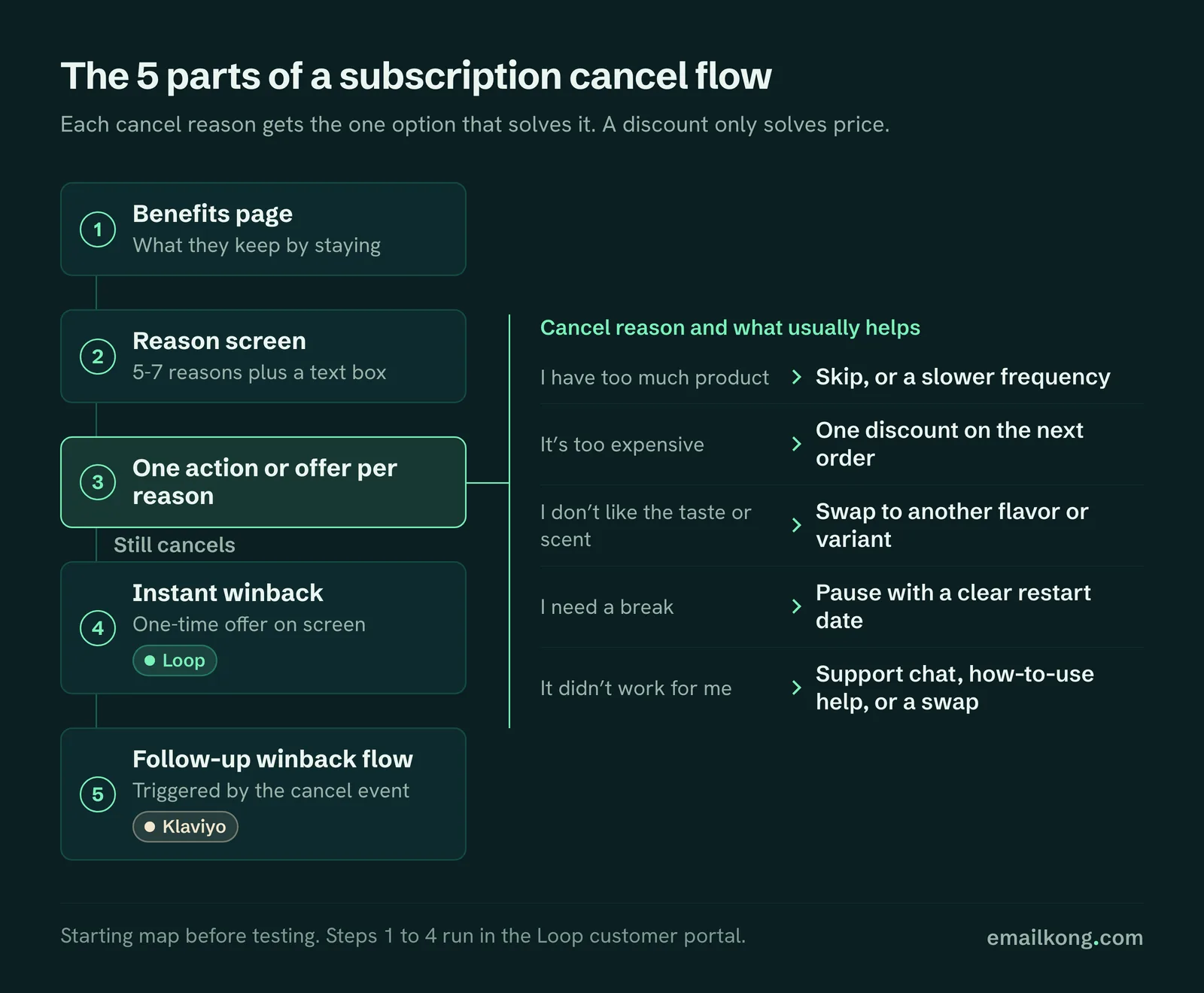
- Benefits page. What the subscriber keeps by staying, such as their subscriber price or free shipping.
- Reason screen. A short list of reasons, plus a free-text box.
- An action or offer for each reason. Skip, swap, pause, change frequency, contact support or a discount.
- Instant winback. A one-time offer shown after the cancel is confirmed.
- Follow-up in Klaviyo. A short winback flow triggered by the cancel event.
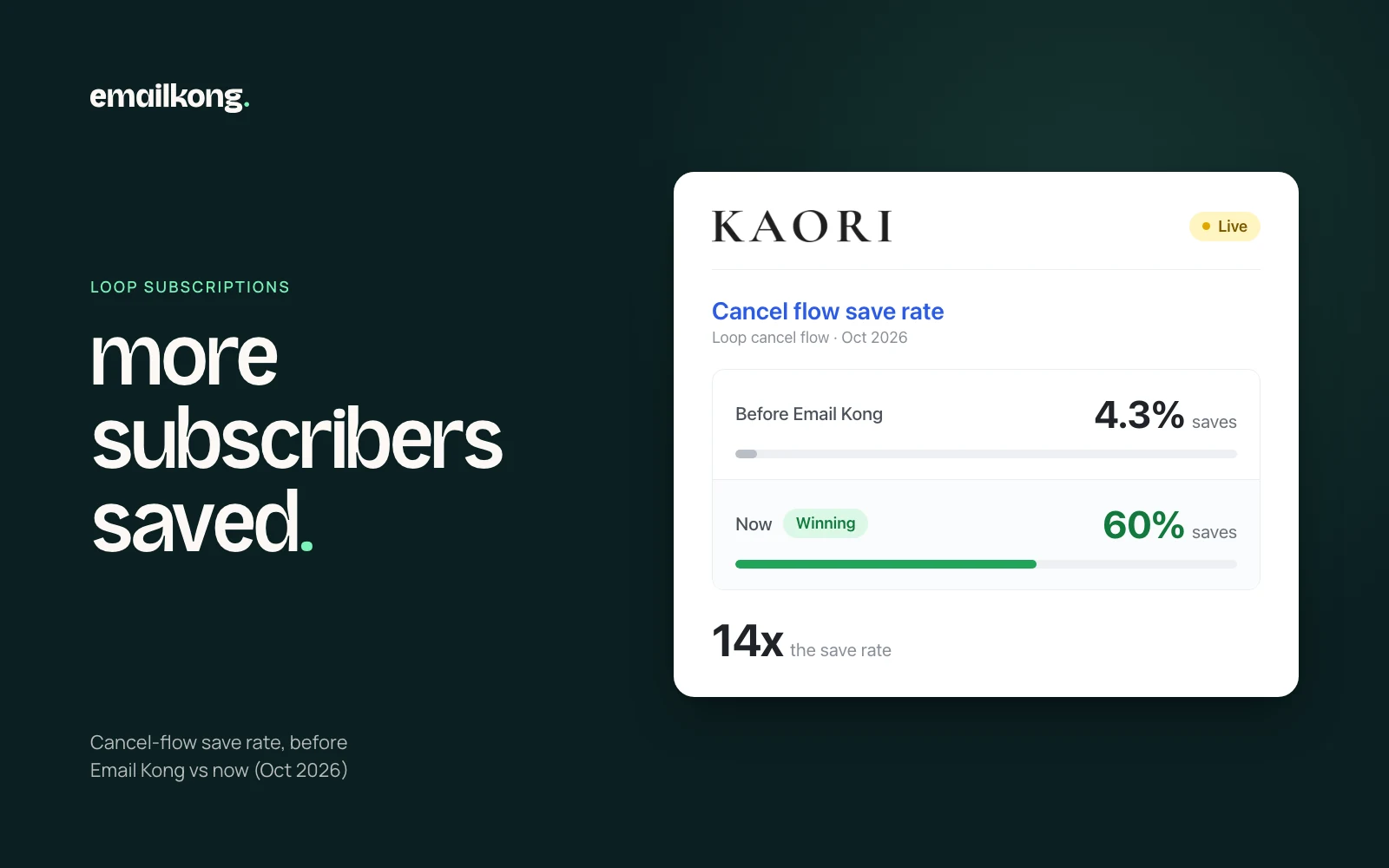
Match each offer to the cancel reason
Each reason needs the option that solves it, and a discount only solves price. On the brands we run, the most common reason is having enough product, so skip, a slower frequency and pause do more of the saving than discounts. Giving everyone the same discount trains subscribers to cancel for money off and does nothing for someone who has a cupboard full of product.
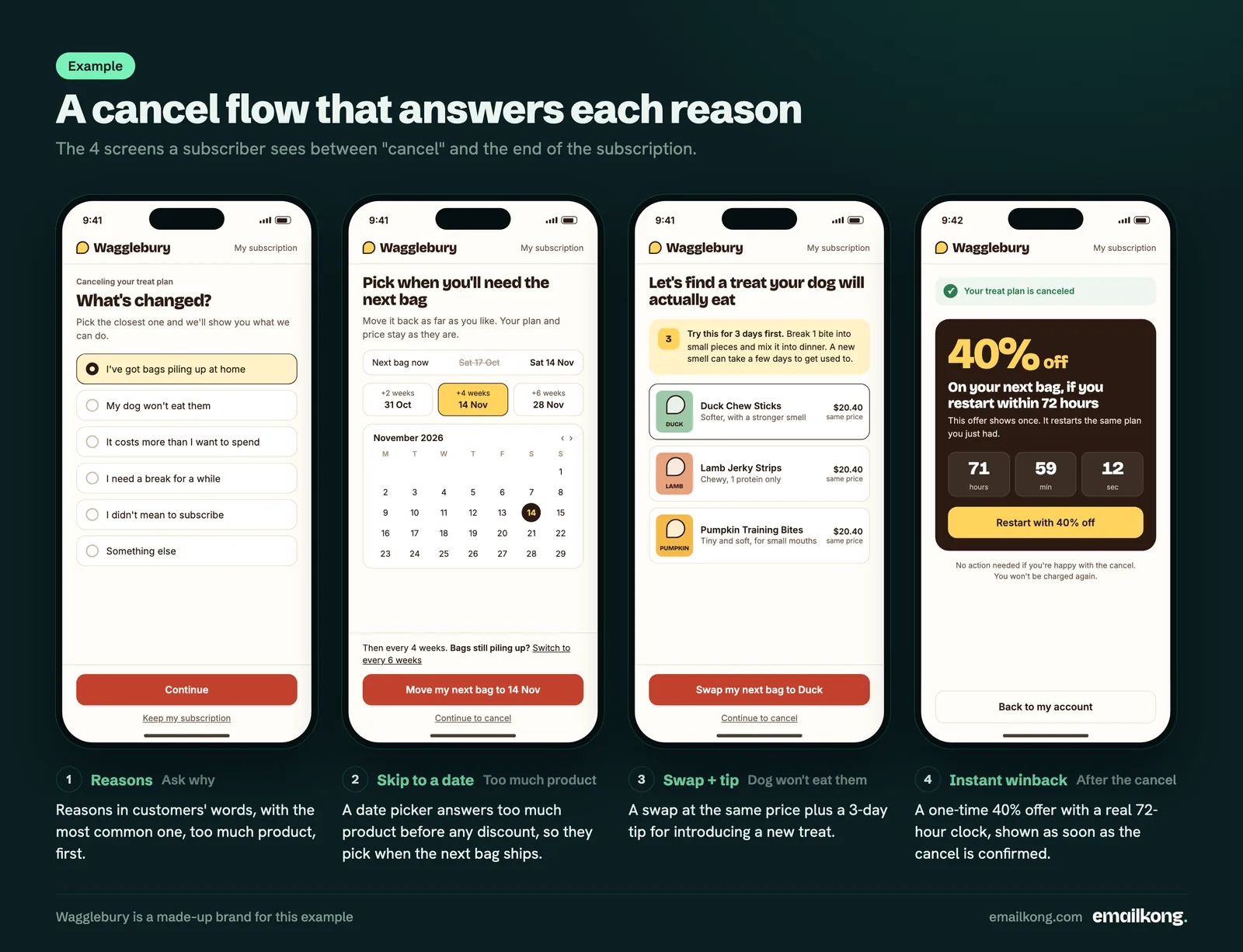
This is the starting map we use, before testing:
| Cancel reason | What usually helps | What to avoid |
|---|---|---|
| I have too much product | Skip the next order, or move to a slower frequency | Offering more product or a bundle |
| It's too expensive | One discount on the next order, or a longer gap between orders | A stack of offers that needs explaining |
| I don't like the taste or scent | Swap to another flavor or variant | A discount on the product they dislike |
| It didn't work for me | Support chat, how-to-use help, or a swap | Pushing them to stay without an answer |
| I need a break | Pause with a clear restart date | Pausing with no end date |
| My pet won't use it | A swap, or tips on introducing it | A discount on something the pet ignores |
| I didn't mean to subscribe | An easy cancel, then a fix at checkout | Trying to save them at all |
| Other | Read the written answers weekly and add a new reason when a theme appears | Leaving "Other" as the biggest reason |
The "I didn't mean to subscribe" reason is worth watching closely. If it shows up often, the subscribe option on your product page or checkout is unclear, and some of those customers will dispute the charge with their bank.
Write the reasons in your customers' words
Cancel reasons work best when subscribers recognize themselves in the list. Read the free-text answers in your cancel data and rewrite the reasons using the phrases people use most.

We keep the list to 5-7 reasons, put the most common first and always include "Other" with a text box. In pet, "my cat doesn't use it" is its own reason. In skincare and body care, "I still have plenty left" is often near the top. In supplements, "I didn't notice a difference" is best answered with how-to-use help and a support option.
Across the subscription brands we run on Loop, "I have enough or too much product" is the #1 cancel reason, at about 23% of cancel attempts in the last 90 days (20,000+ cancel-flow events). About 1 in 5 people who start canceling give no reason at all. By niche:
- Pet: "enough filters" is 18-23% of cancel reasons, "my pet doesn't use it" 10-15% and "too expensive" about 16%.
- Supplements and women's health: at one brand "enough stock" is 23% and "too expensive" 15%. At another, "too much product" is 33%.
- Skincare: "too much product" is 20%, and "I just wanted the discount" is 10%.
Skip, swap, pause or change frequency
These options keep the subscriber at no cost to your margin, so put them before any discount. Each fits a different reason.
- Skip moves the next order back once. Show the new date on the screen so the subscriber can see what happens.
- Change frequency is the strongest answer to "too much product". Offer the next slower option, such as every 6 weeks instead of every 4.
- Swap fits taste, scent, size or a product that did not suit them. Show 2-4 real alternatives with photos.
- Pause fits a break or travel. Always set a restart date so the subscription starts again on its own.
In Loop, the portal actions for skip, swap and frequency should also be easy to find outside the cancel flow. If skip is hard to find, cancel becomes the easy option.
How to use discounts in a cancel flow
Use one discount, as one clear number, for the reasons where price is the problem. "40% off your next order" is easy to accept. A tiered offer with conditions is not.
The rules we set on retention offers:
- One use per subscriber.
- A cool-off of a few orders before the same subscriber can see an offer again.
- Wired only to price-related reasons and "Other".
- Factual urgency only, such as a real expiry time or a one-time screen.
Winback after the cancel
The cancel is not the last chance. Loop's instant winback shows a one-time offer after the subscriber confirms, and a Klaviyo flow can follow up over the next weeks.
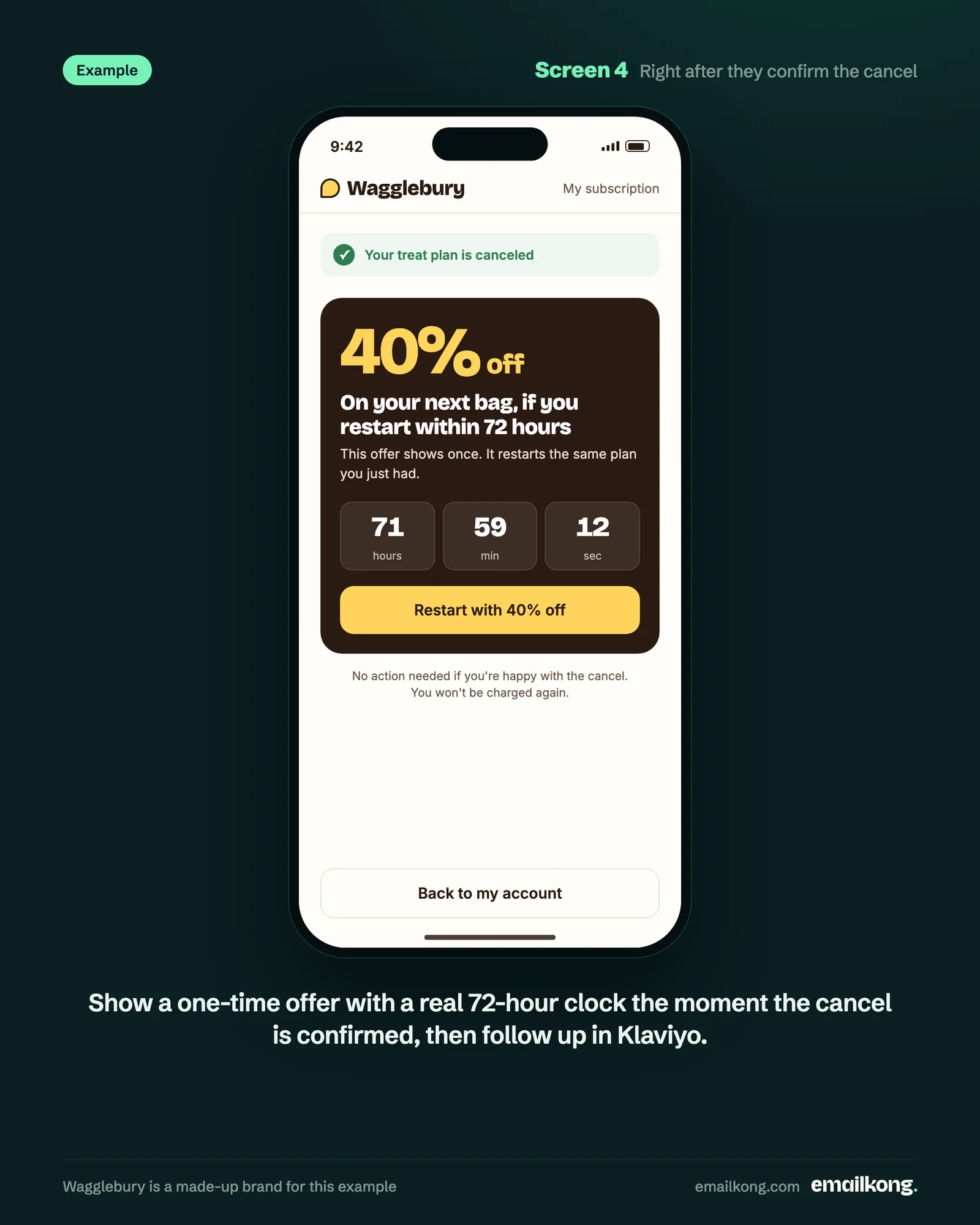
For the instant winback we use a single strong offer with a real time limit and one use. In Klaviyo, the flow triggers on the "Loop Subscription Cancelled" event, exits if they resubscribe and stays short. We often write these emails as plain text from a real person at the brand, so they read like someone checking in after the cancel.
Running subscriptions on Checkout Champ?
Checkout Champ's Klaviyo plugin does not tell Klaviyo when a customer cancels their subscription. Its Cancelled Order event fires when an order is cancelled in the CRM, which is a different thing. To run the cancel flow above, you need Checkout Champ's Cancel postback sent into Klaviyo as its own event. It also carries the cancel reason, so each email can answer the reason the customer gave. See cancel and winback flows for Checkout Champ.
Test the cancel flow like any other page
The cancel flow gets real traffic, so treat it like a landing page. Loop experiments let you split subscribers between 2 versions of the benefits page or an offer.
We usually run tests 50/50 for about 30 days so at least one full billing cycle passes, and we judge them on saved subscriptions. Tests we have run include a short video from someone at the brand on the benefits page against the text version, and reason copy rewritten in customer language.
EK proof
We build and run cancel flows in Loop for 6 subscription brands. Results from 3 of them, measured as Klaviyo's share of total store revenue:
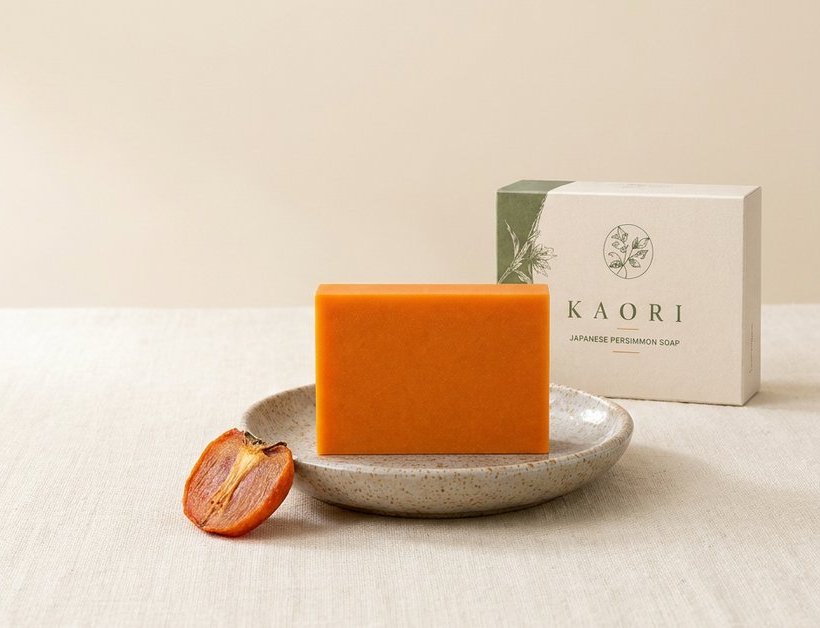
- Kaori (body care): Klaviyo went from 3.3% to 19% of store revenue. Flow revenue grew 17.7x.
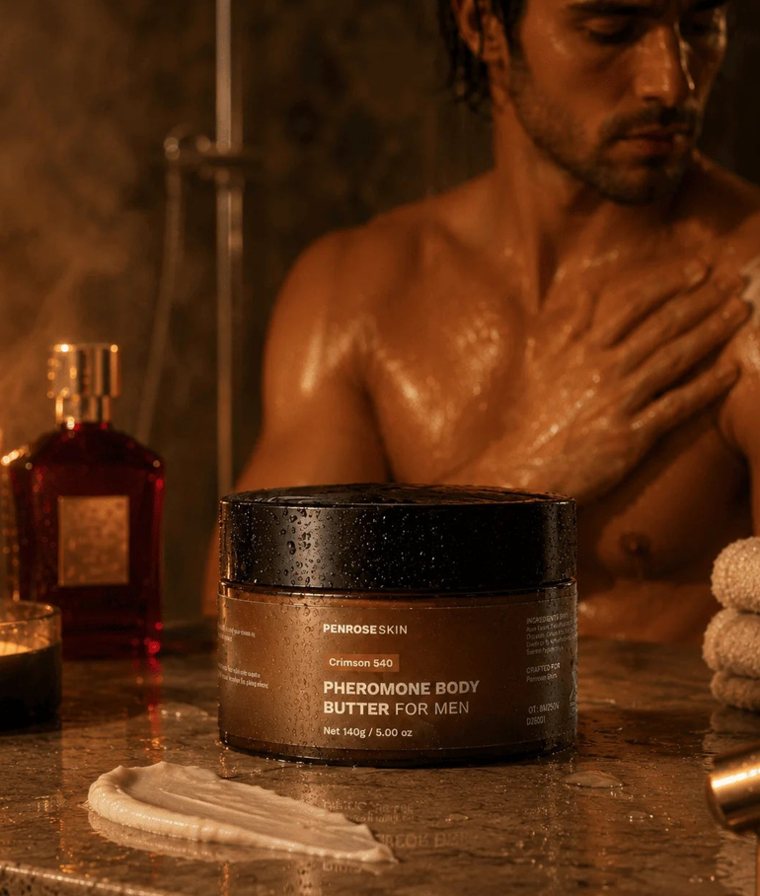
- Penrose Skin (skincare): Klaviyo's share went from 15.2% to 23.2%. Flow revenue grew 10.5x.
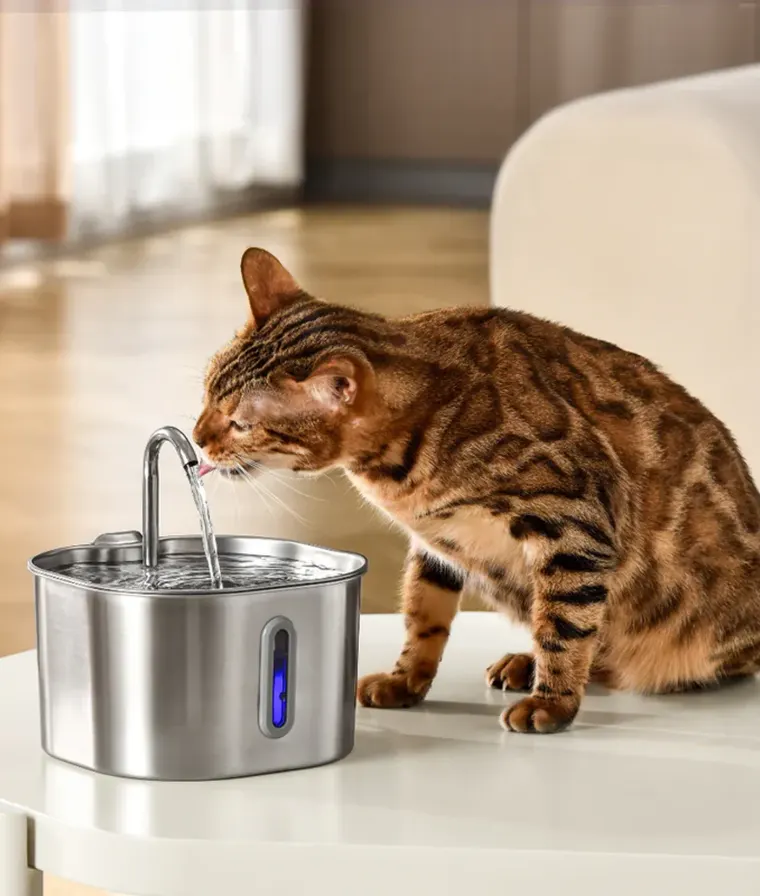
- KittySpout (pet): 46% of store revenue comes from Klaviyo.